Easy Return filing process for salaried person for FY 2024-25

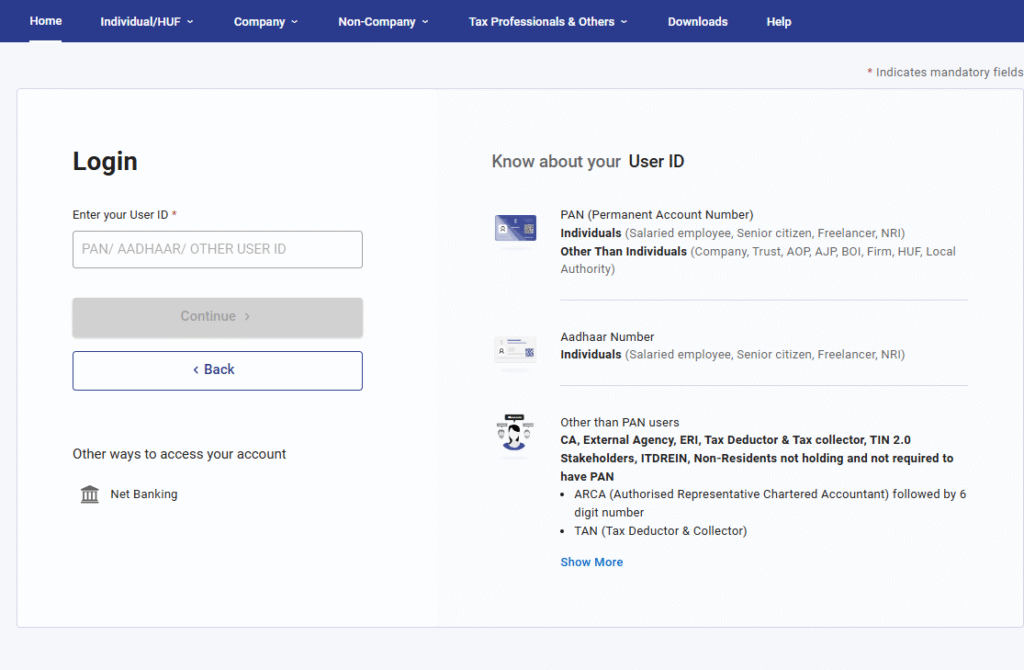
Go to https://eportal.incometax.gov.in & login with the credentials.
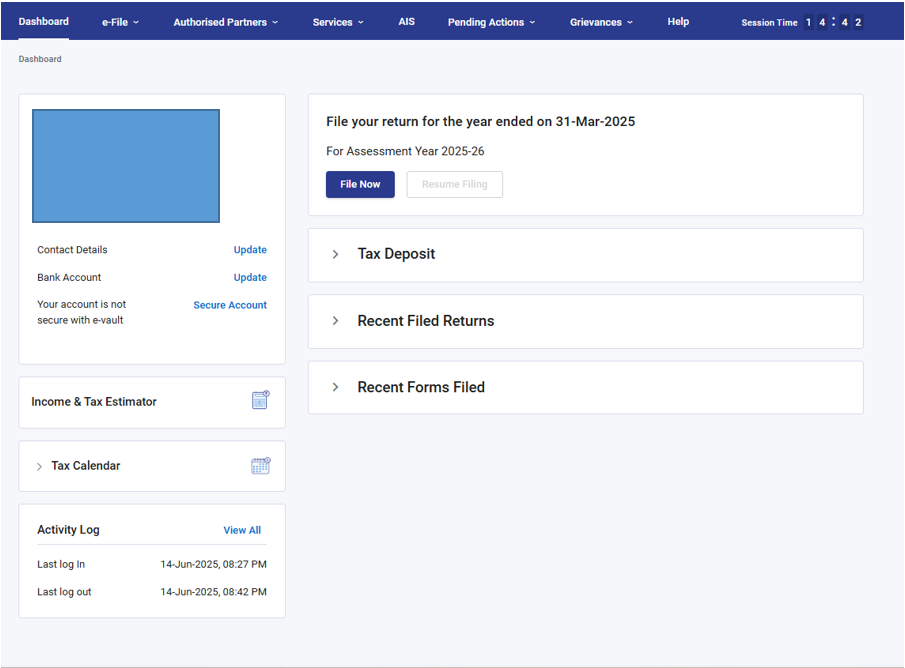
Click on file now button
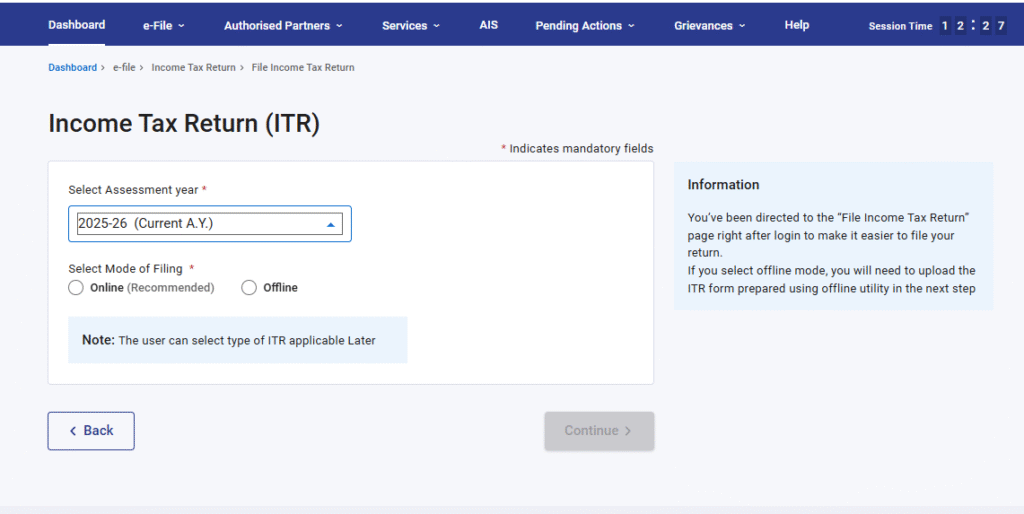
Select the “Assessment Year 2025-26” & select “online” mode
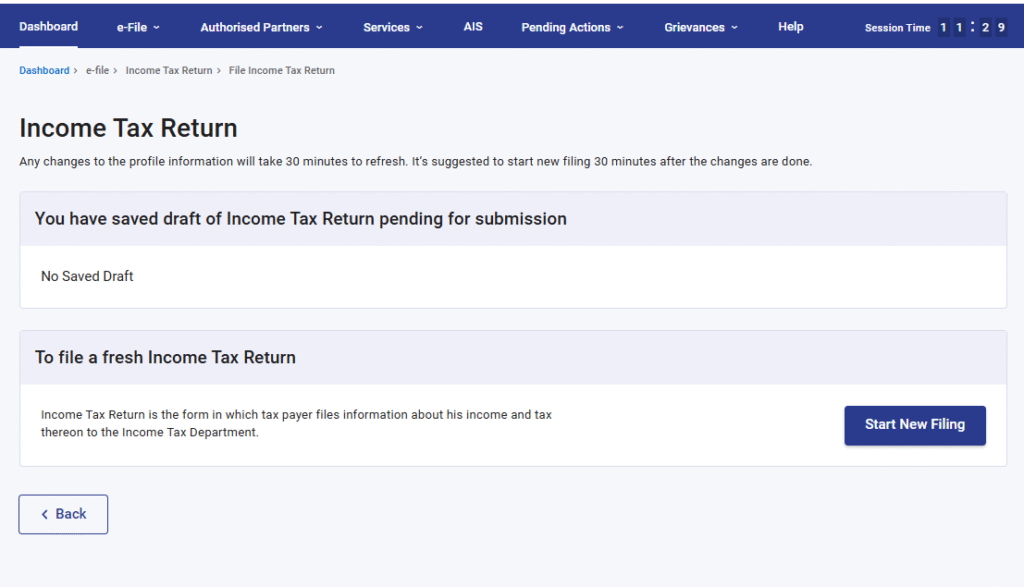
Click on the “Start New Filing” option
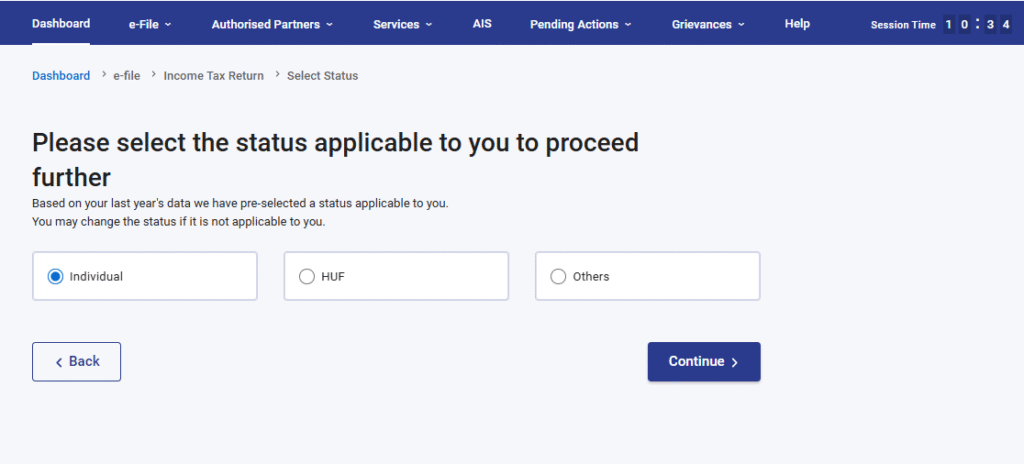
Select the option “Individual”
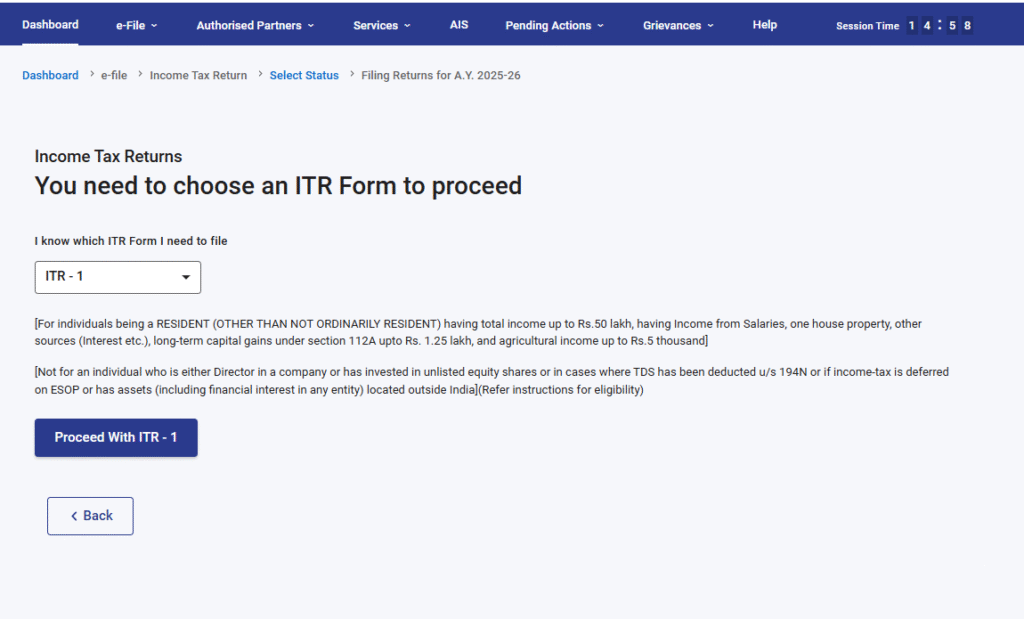
Select ITR-1 or ITR-2. Not sure which form to choose? Check out this link – ITR 1 VS ITR 2
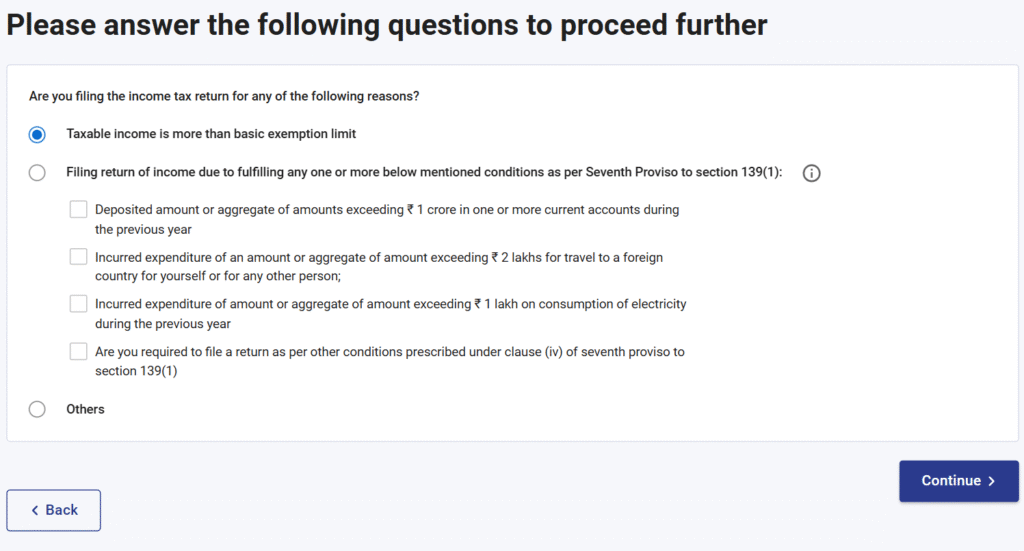
Please select the most appropriate option from the list below. In most situations, your case will likely fall under Case No. 1.
This is your Return Summary Dashboard. Please fill in the details section by section.
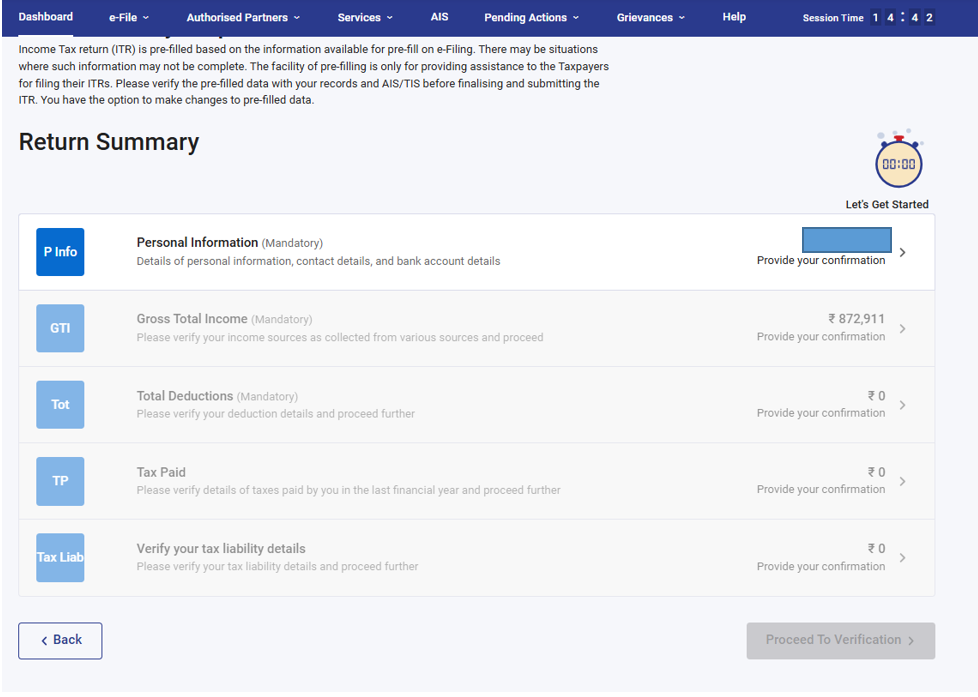
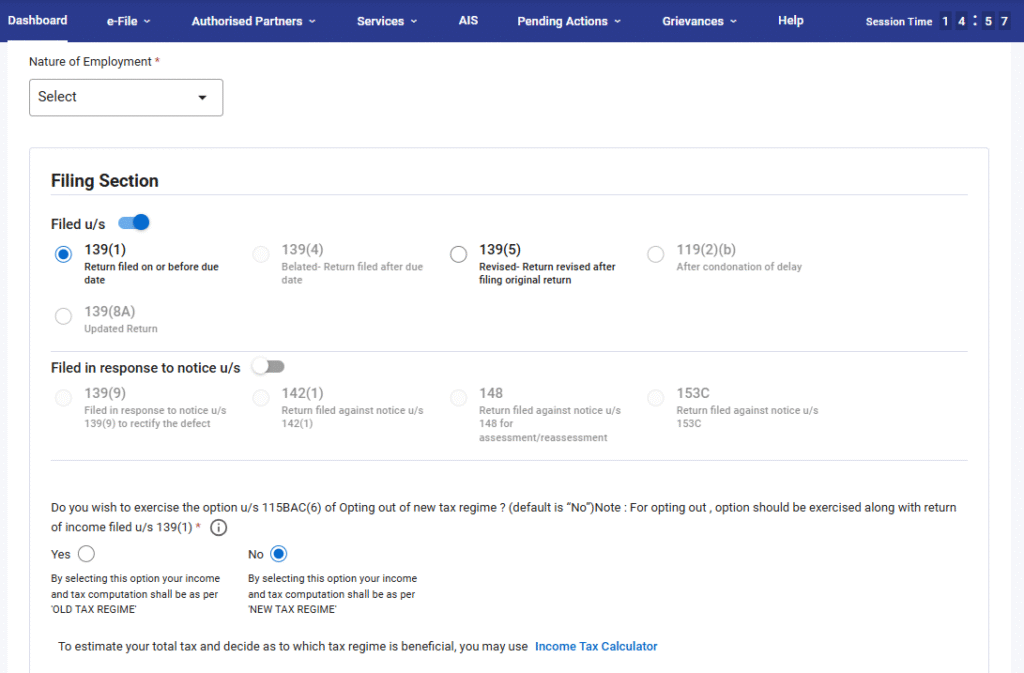
Select the “Nature of Employment” and choose between the Old Scheme and New Scheme. Select ‘No’ for New Regime and ‘Yes’ for Old Regime
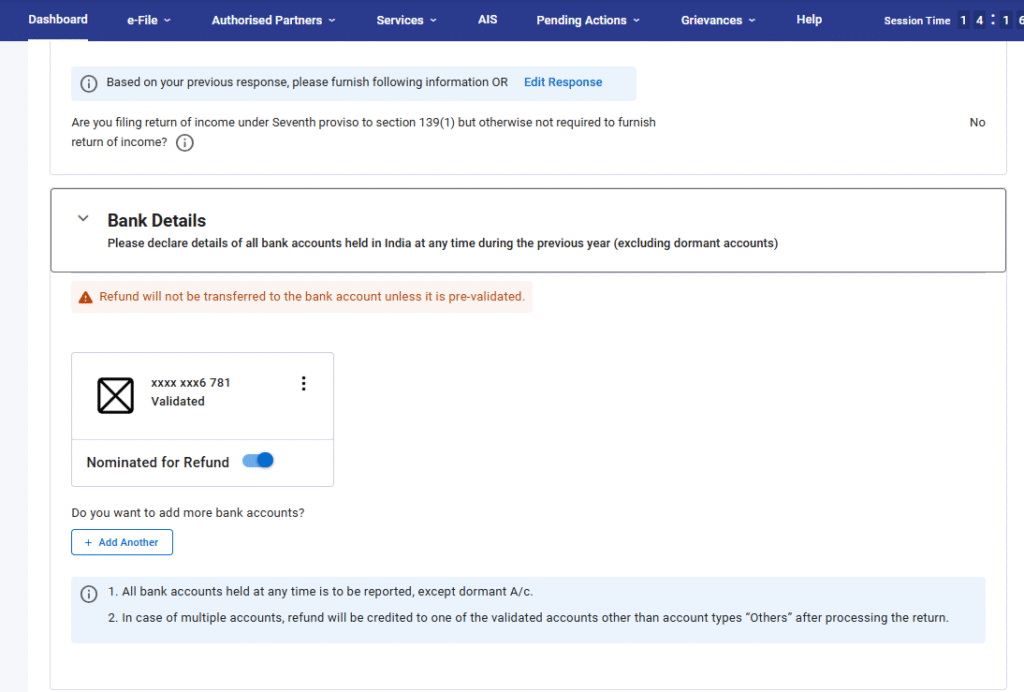
Kindly enter the details of all your bank accounts and validate them. Please note, if your bank account is not validated, the refund will not be issued.
Click on ‘Gross Total Income’ and enter the income details from Form 16. Use the ‘Edit’ button to input the details.
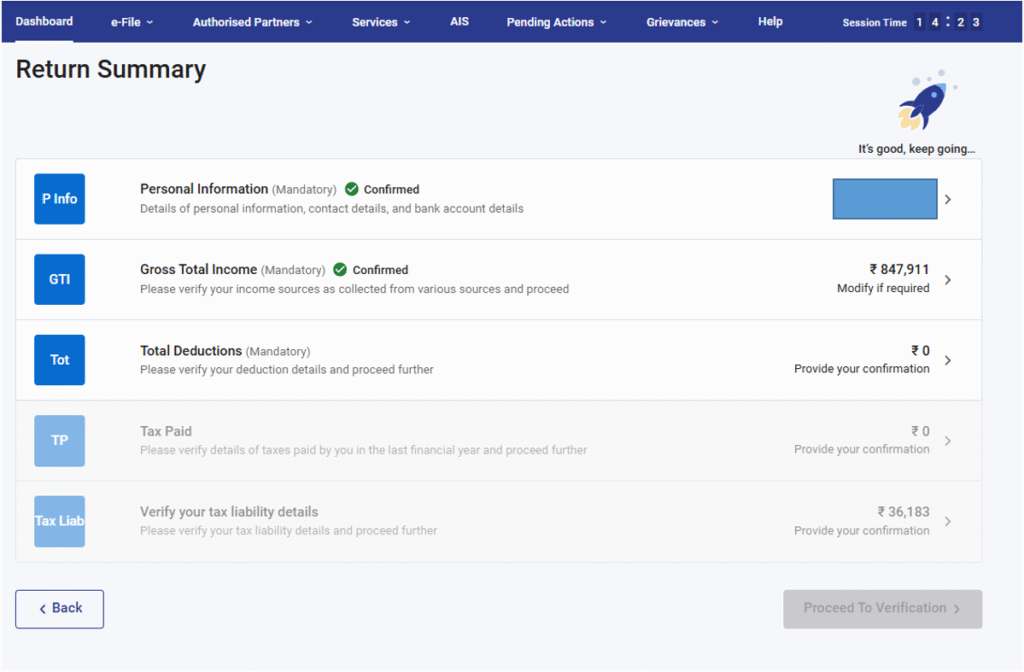
After filling in the details, if you have paid any additional tax, add the challan details in the ‘Tax Paid’ section under Advance Tax and Self-Assessment Tax payments.
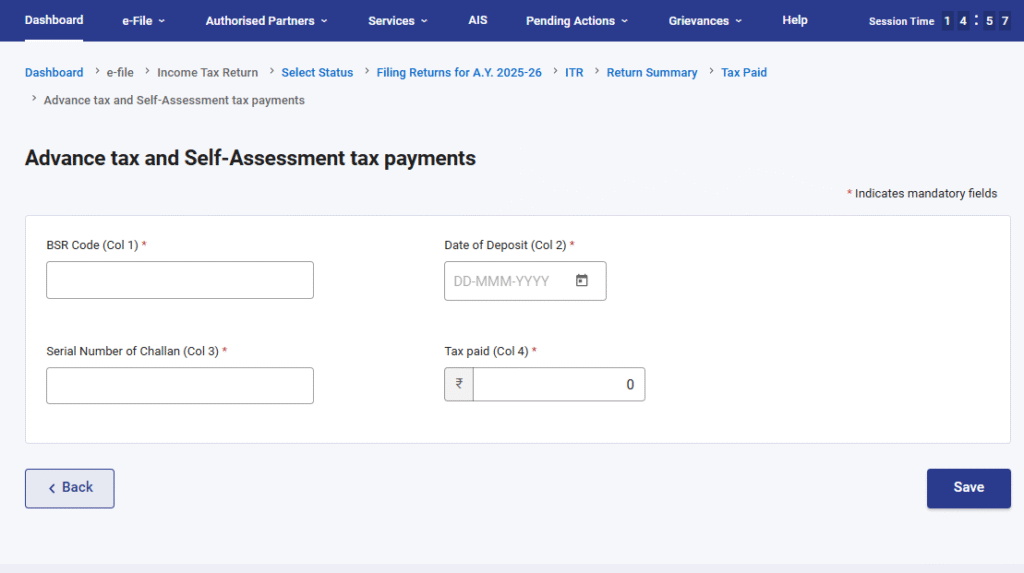
Click on the ‘Proceed to Verification’ button and verify your return.
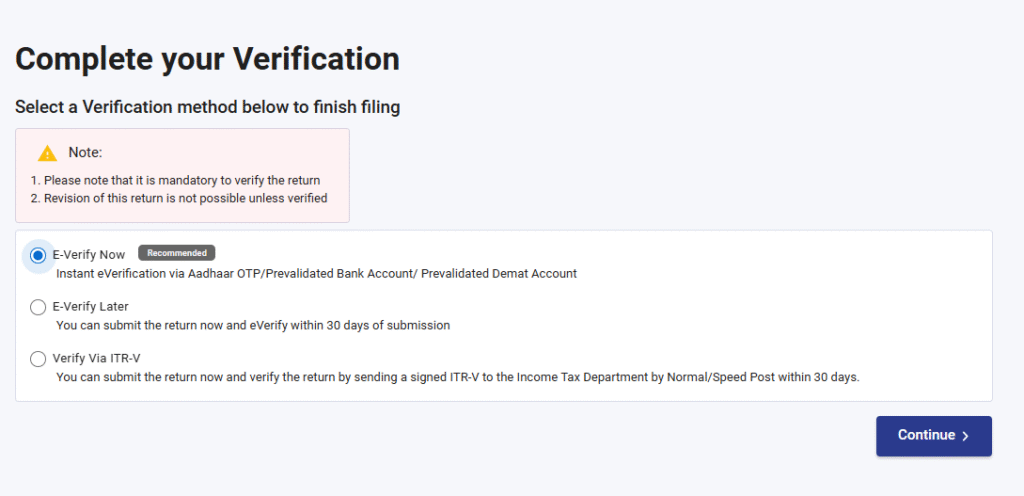
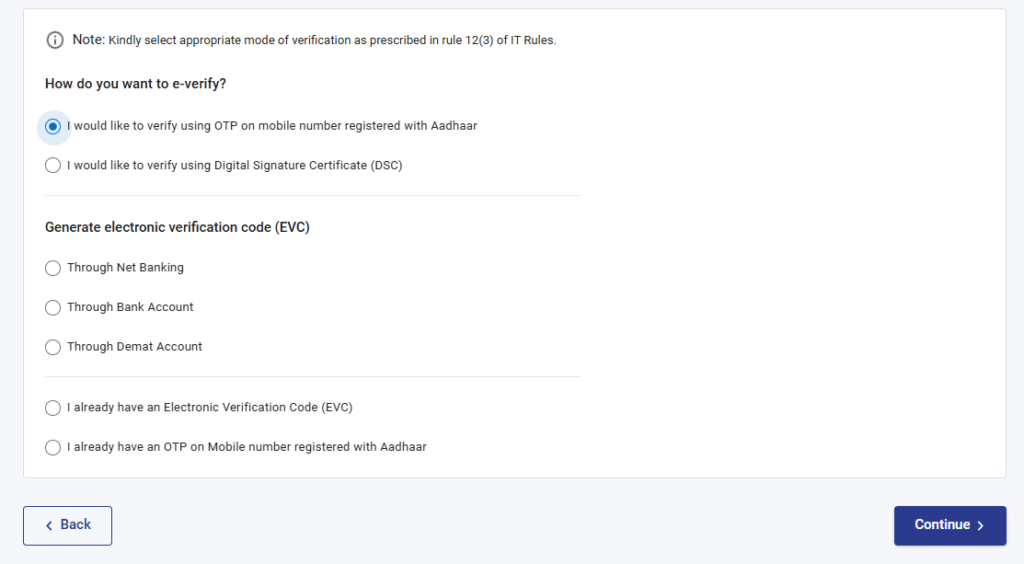
Select the suitable option to e-verify the return. This step is mandatory; otherwise, the return will be treated as defective.
Enter your OTP, and your return will be filed.